JDNEER Themes 1.1.0: FreeScout Dark Themes Fixed for Phones and Rebuilt for 1.8.248
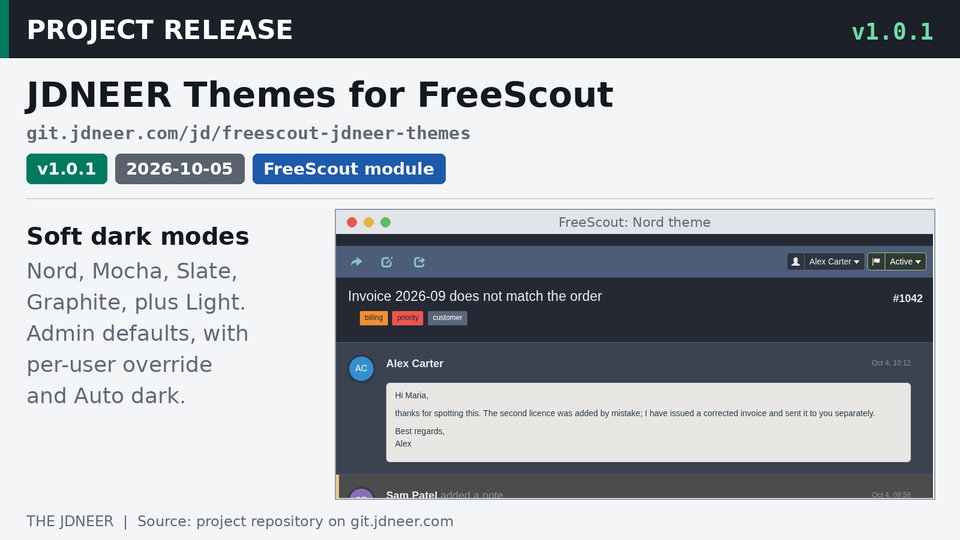
JDNEER Themes 1.1.0 is rebuilt from FreeScout 1.8.248. It fixes the sender line on phones in all four dark themes, darkens the two-column list, settings tabs and customers list, and now needs FreeScout 1.8.246.
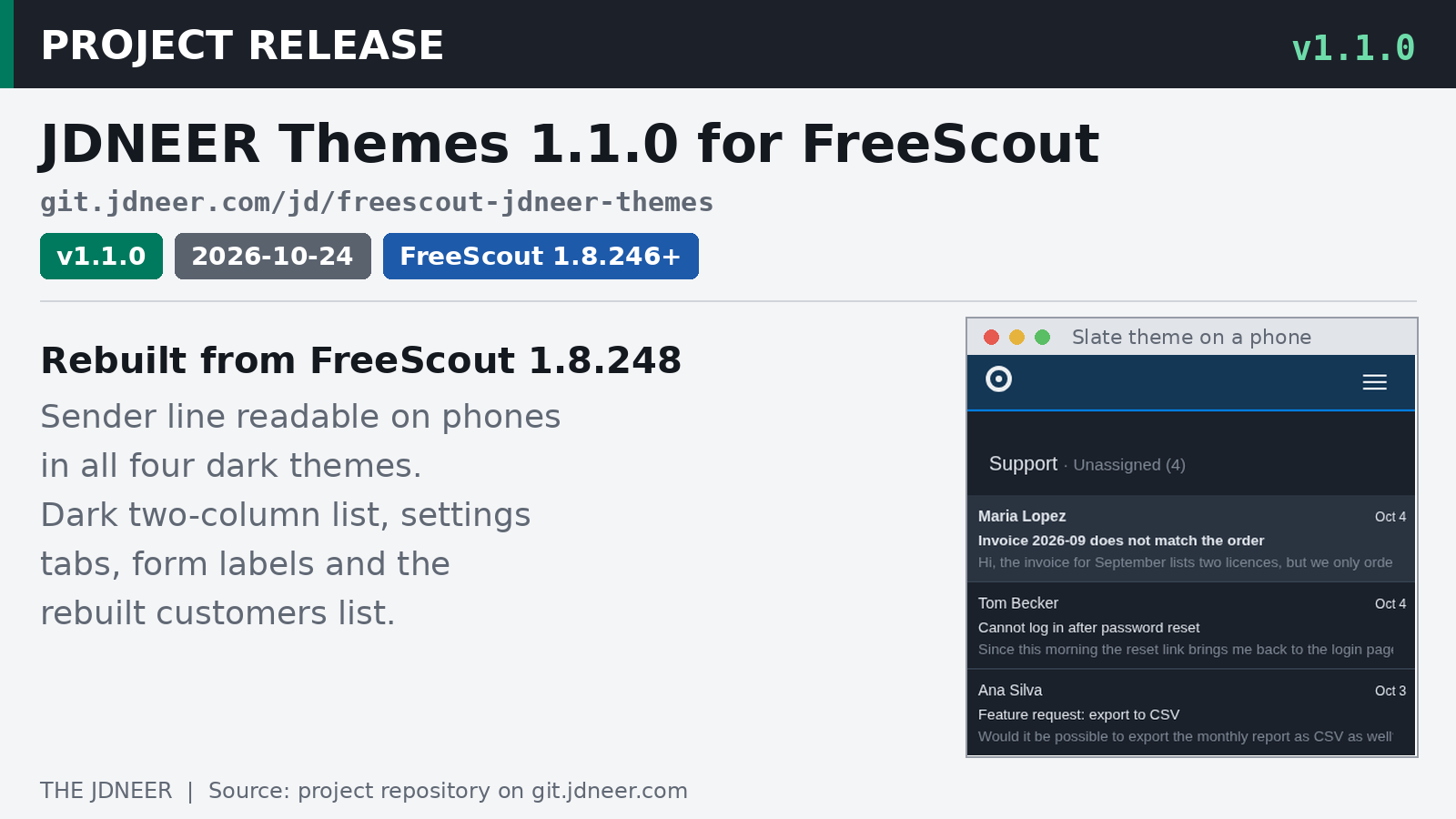
JDNEER Themes 1.1.0 is out. This release rebuilds my soft dark themes for FreeScout from FreeScout 1.8.248's stylesheets. It fixes a sender line that had become unreadable on phones in every dark theme, and it covers the parts of FreeScout that were redesigned since 1.8.244. No data is touched, and no setting changes (release notes). If you are new to the module, my first post about JDNEER Themes explains what it does.
What's fixed
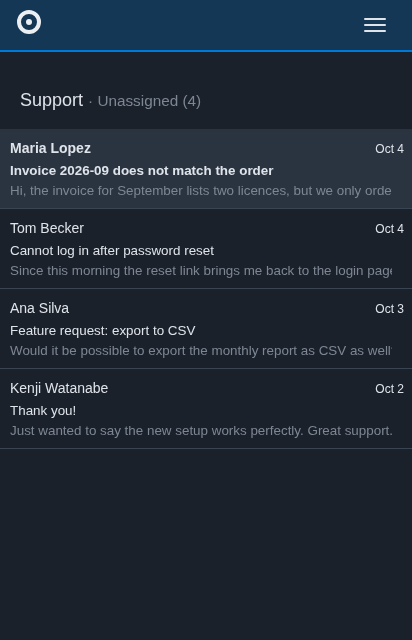
The sender line in the conversation list is readable again on a phone, in all four dark themes. FreeScout 1.8.246 moved that line into a new element the themes did not cover, so it kept FreeScout's near-black text on the dark row (changelog).
What's new
FreeScout's two-column conversation list, its redesigned settings tabs and form labels, and the rebuilt customers list now all get dark colors (release notes).
What changed
The themes now need FreeScout 1.8.246 or later, and the module says so, so FreeScout will not install it on an older version. Earlier versions of the module left the customers list and the active settings tab light (release notes). The module is tested with FreeScout 1.8.248, and it still needs a browser with CSS color-mix() support, which any current browser has (README).
Updating from 1.0.x
Grab the zip and SHA256SUMS from the release page and check the download first:
[root@freescout ~]# wget https://git.jdneer.com/jd/freescout-jdneer-themes/releases/download/v1.1.0/JdneerThemes-1.1.0.zip https://git.jdneer.com/jd/freescout-jdneer-themes/releases/download/v1.1.0/SHA256SUMS
[root@freescout ~]# sha256sum -c --ignore-missing SHA256SUMS
Then unpack the new version next to the old folder and swap them, so the module is never half-present while FreeScout is serving requests. Change /path/to/freescout to the folder that contains artisan, and www-data to the user your web server runs as:
[root@freescout ~]# cd /path/to/freescout
[root@freescout freescout]# rm -rf /tmp/jdneerthemes-new /tmp/jdneerthemes-old
[root@freescout freescout]# unzip ~/JdneerThemes-1.1.0.zip -d /tmp/jdneerthemes-new
[root@freescout freescout]# mv Modules/JdneerThemes /tmp/jdneerthemes-old && mv /tmp/jdneerthemes-new/JdneerThemes Modules/
[root@freescout freescout]# chown -R www-data:www-data Modules/JdneerThemes
[root@freescout freescout]# sudo -u www-data php artisan freescout:module-install jdneerthemes
The last command runs the migrations, refreshes the public link and clears the cache. Users keep their settings. If something looks wrong, swap the old folder back and run the last command again (README).
Installing it fresh
After checking the download, unpack it into FreeScout's Modules folder and give the folder to your web server's user:
[root@freescout ~]# cd /path/to/freescout
[root@freescout freescout]# unzip ~/JdneerThemes-1.1.0.zip -d Modules/
[root@freescout freescout]# chown -R www-data:www-data Modules/JdneerThemes
Then open Manage, Modules in FreeScout and click Activate on JDNEER Themes. Activation creates the module's table and its public folder link. If you like, pick a default theme for everyone under Settings, Appearance. Each user can still choose their own under Profile, Appearance, and nothing changes for anyone until a theme is chosen (README).
The code and full changelog are in the repository, and the download is on the v1.1.0 release page.
Also new: the FreeScout License Migrator in my toolbox repository.